Spot Compliance Gaps and Strengthen Data Security Across SaaS Applications

Why do you need Security & Compliance scans?

Why do you need Security & Compliance scans?
Proactively identify and remediate compliance gaps
Easily investigate and take action
Proactively identify and remediate compliance gaps
Easily investigate and take action
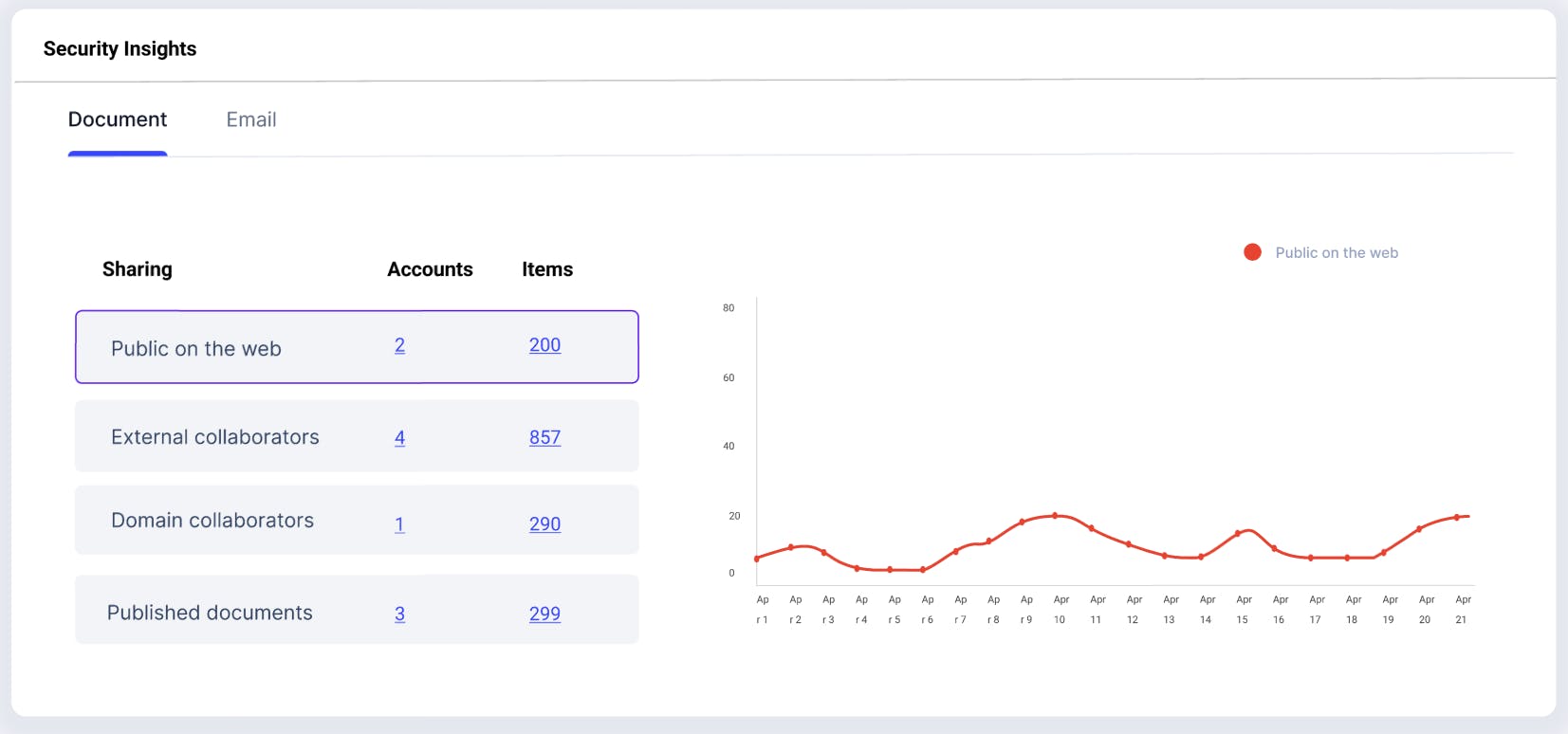
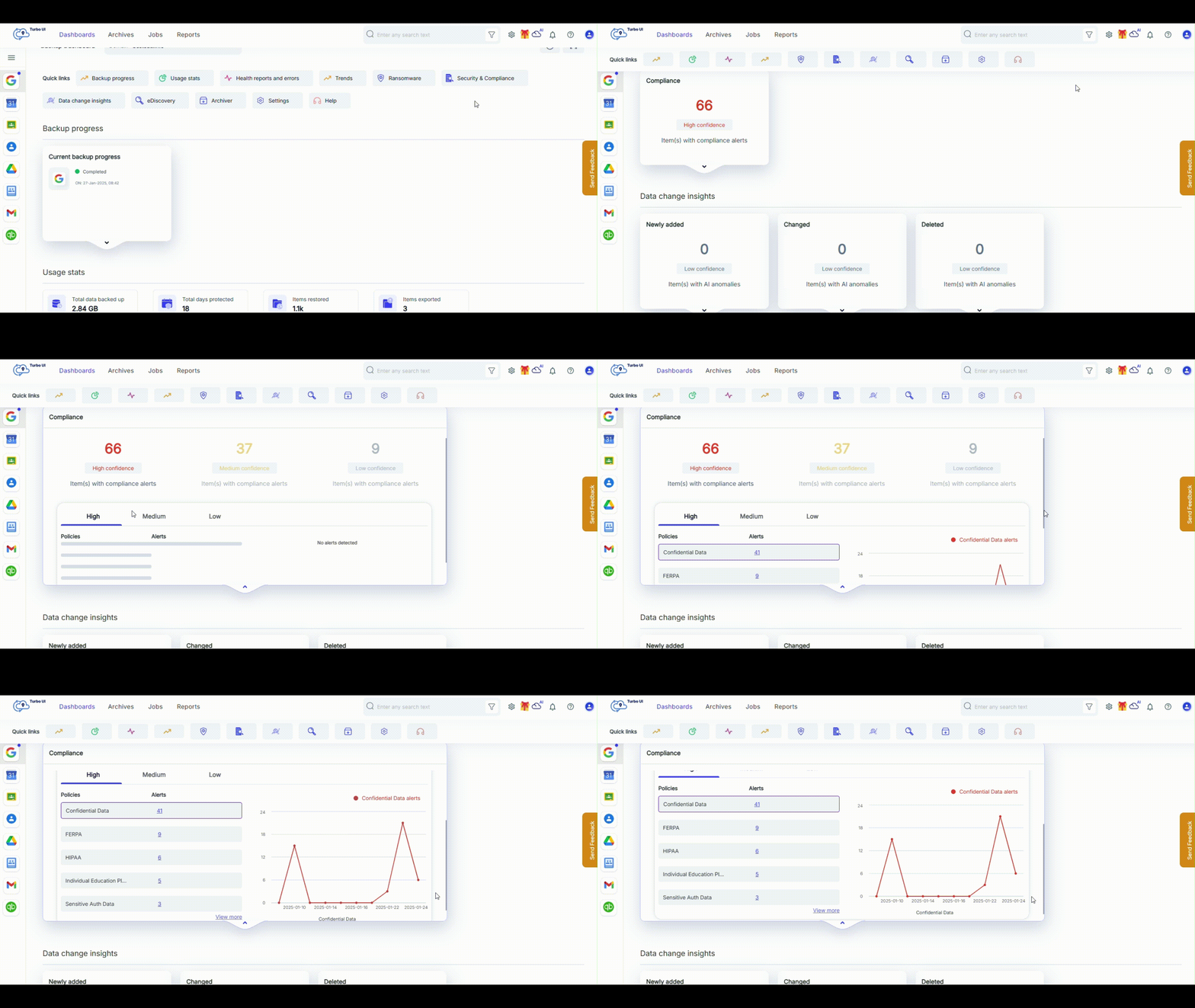
Easily track Security & Compliance alerts from a unified dashboard
Gain instant visibility into risks across your organization with intuitive, actionable insights all from a single pane of glass.

Frequently asked questions
If you’re hesitating, do not worry, we are here to explain everything you might want to know. Let us help!
How does SysCloud simplify compliance management?
With pre-defined policies, custom rules (keywords and regex), and automated remediation via Action Flows, SysCloud helps you detect compliance violations and reduce risk across SaaS apps. You can also investigate findings and apply targeted fixes manually.
Why is compliance monitoring important for my organization?
What pre-defined policies does SysCloud scan for?
Can I create custom compliance policy as per my business requirement?
Yes. SysCloud lets you create custom policies using keywords and regex(learn more), and you can configure actions to remediate violations based on your requirements.
How does SysCloud help in safeguarding sensitive data?
What automated actions can the Security & Compliance feature perform?
How can I get started with the Security & Compliance add-on?
You can purchase the add-on by contacting our sales team.
Do I need technical expertise to configure the add-on?
No. You can start with pre-defined policies and simple configurations without advanced technical skills. You can also build custom rules using keywords and regex, and configure automated actions. To learn more read this article or contact our sales team.
Does this add-on provide real-time alerts?
How to respond to the violations flagged by SysCloud?


Explore more Add-Ons!
We take security and compliance seriously