Automated Microsoft 365 Backup with Point-in-Time Recovery

Microsoft OneDrive

Exchange Online

Microsoft Teams

SharePoint Online

Microsoft Outlook

Microsoft People

Microsoft Calendar

Microsoft OneNote

Microsoft Lists

Microsoft Entra ID
Microsoft OneDrive
Exchange Online
Microsoft Teams
SharePoint Online
Microsoft Outlook
Microsoft People
Microsoft Calendar
Microsoft OneNote
Microsoft Lists
Microsoft Entra ID
Microsoft OneDrive
Exchange Online
Microsoft Teams
SharePoint Online
Microsoft Outlook
Microsoft People
Microsoft Calendar
Microsoft OneNote
Microsoft Lists
Microsoft Entra ID
 OneDrive
 SharePoint OnlineTeamsExchange Online
Why do businesses need to backup Microsoft 365?
Microsoft includes basic tools to retain and restore data, but they’re limited.

Why do businesses need to backup Microsoft 365?
Microsoft includes basic tools to retain and restore data, but they’re limited.

Backup Entra ID to secure your identity as well
SysCloud backs up Microsoft Entra ID alongside the data it governs, so you can compare snapshots and restore what changed.
Why choose SysCloud for Microsoft 365 backup?
Instant Backup Visibility
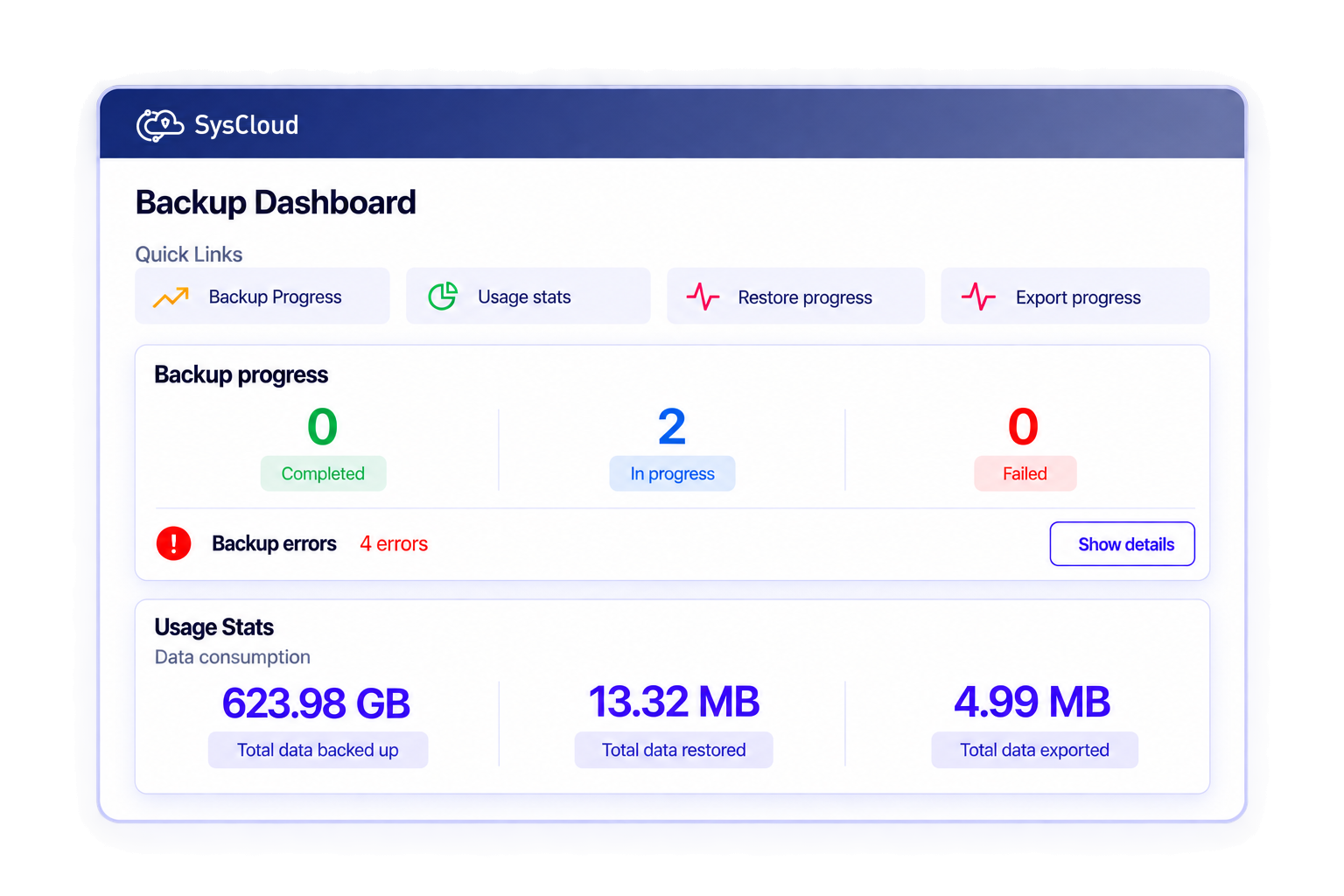
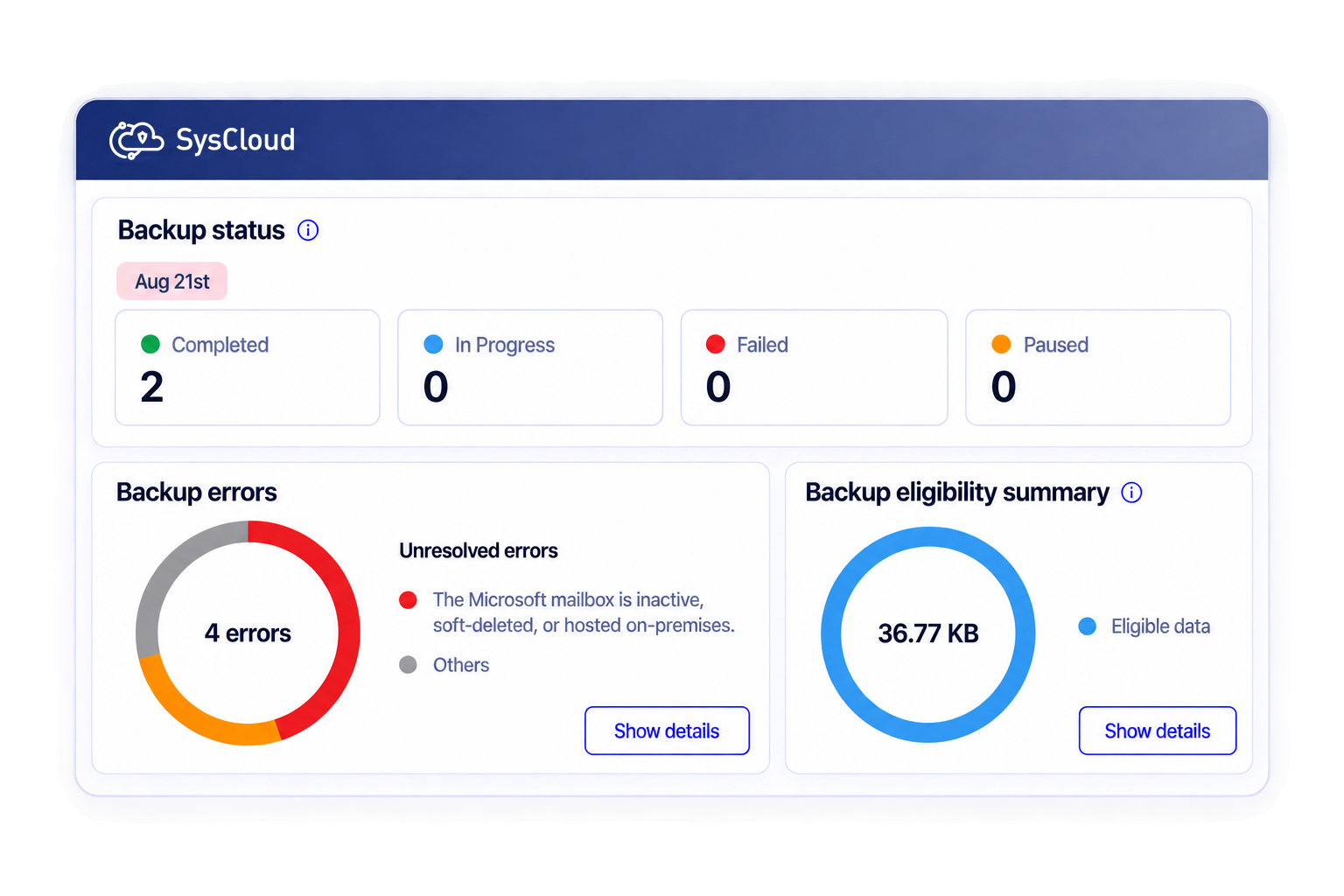
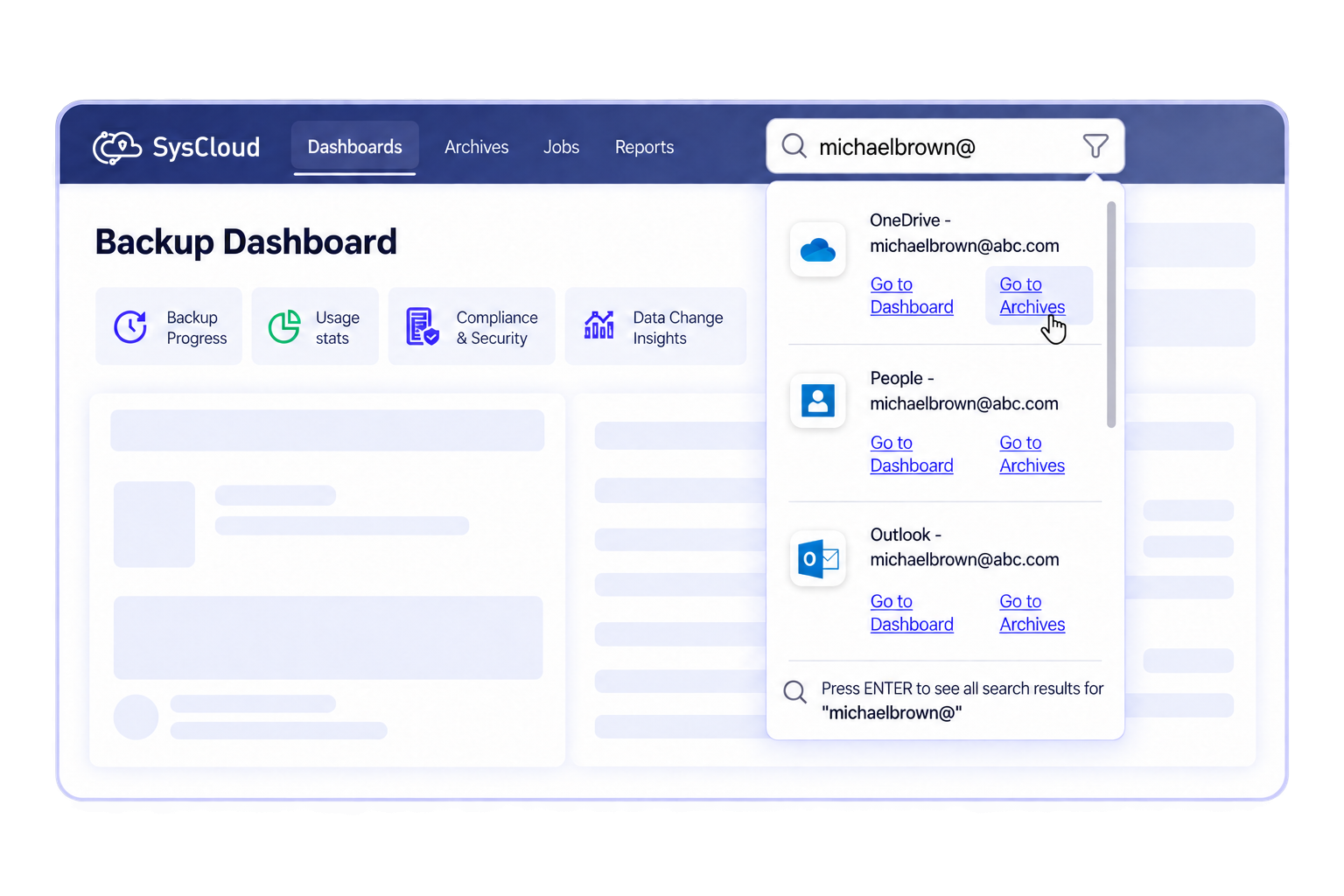
Get instant backup visibility from an intuitive dashboard, with clear status, backup health insights, and fast drill-down to any user or app.
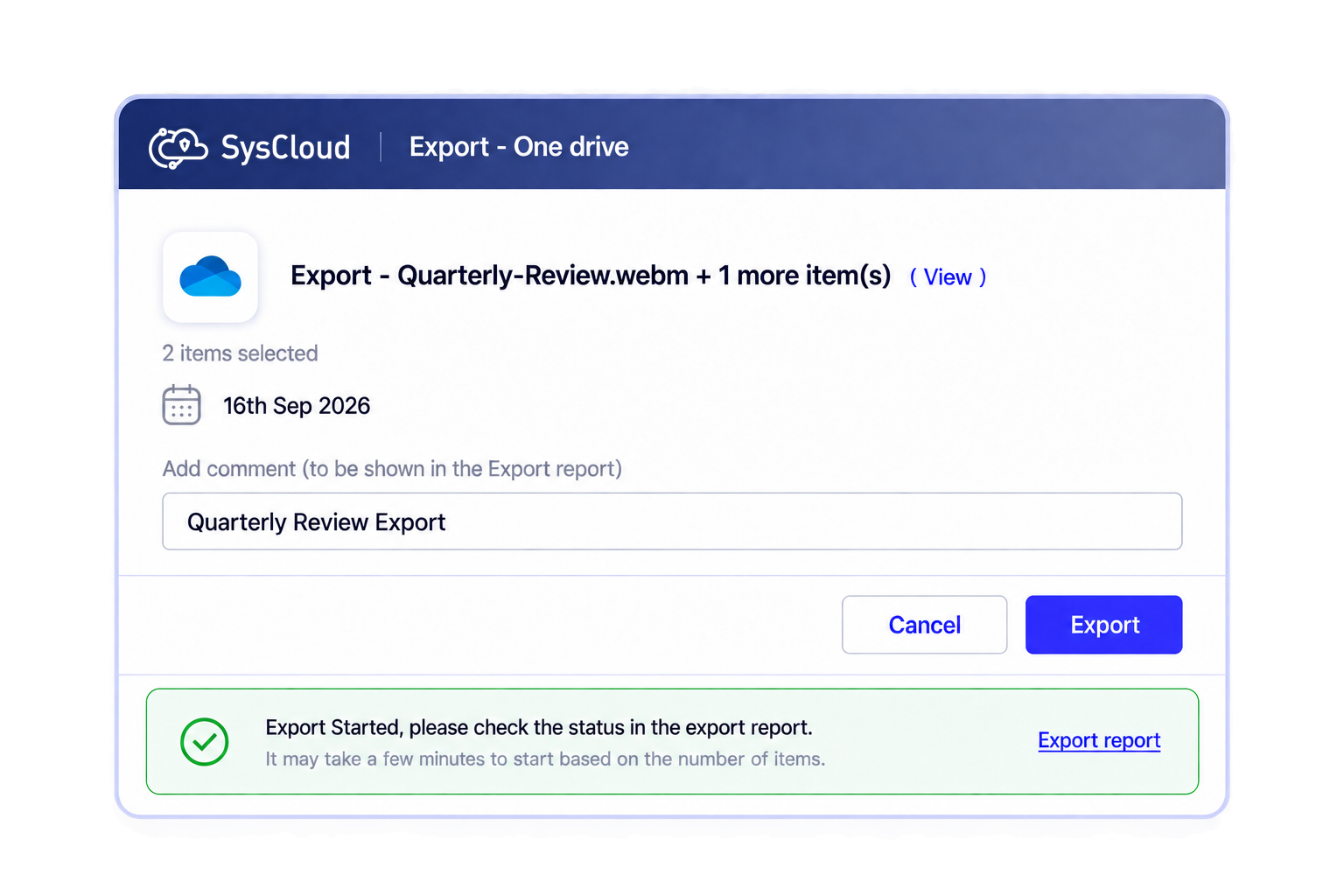
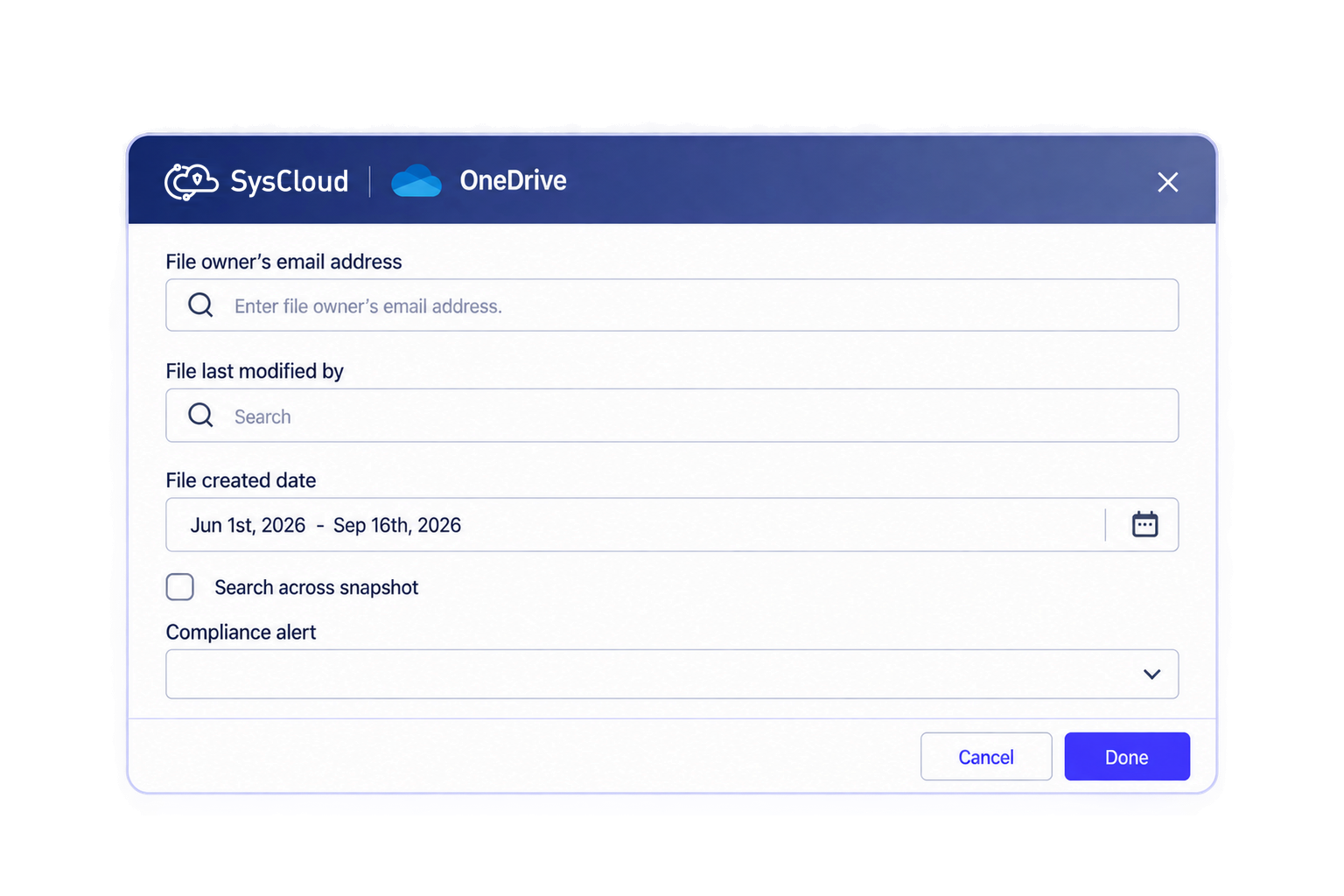
Our customers love what we do
Our customers love what we do
SysCloud vs. Other Microsoft 365 Backup Vendors:
Which One to Choose?
Check out our comprehensive guide comparing all the Microsoft 365 cloud backup vendors in 2025.
What Microsoft 365 apps does SysCloud backup?
Read our in-depth guide on how SysCloud addresses the data retention and restoration gaps for all critical Microsoft 365 apps.

Safeguard data and streamline compliance management for Microsoft 365
Add on
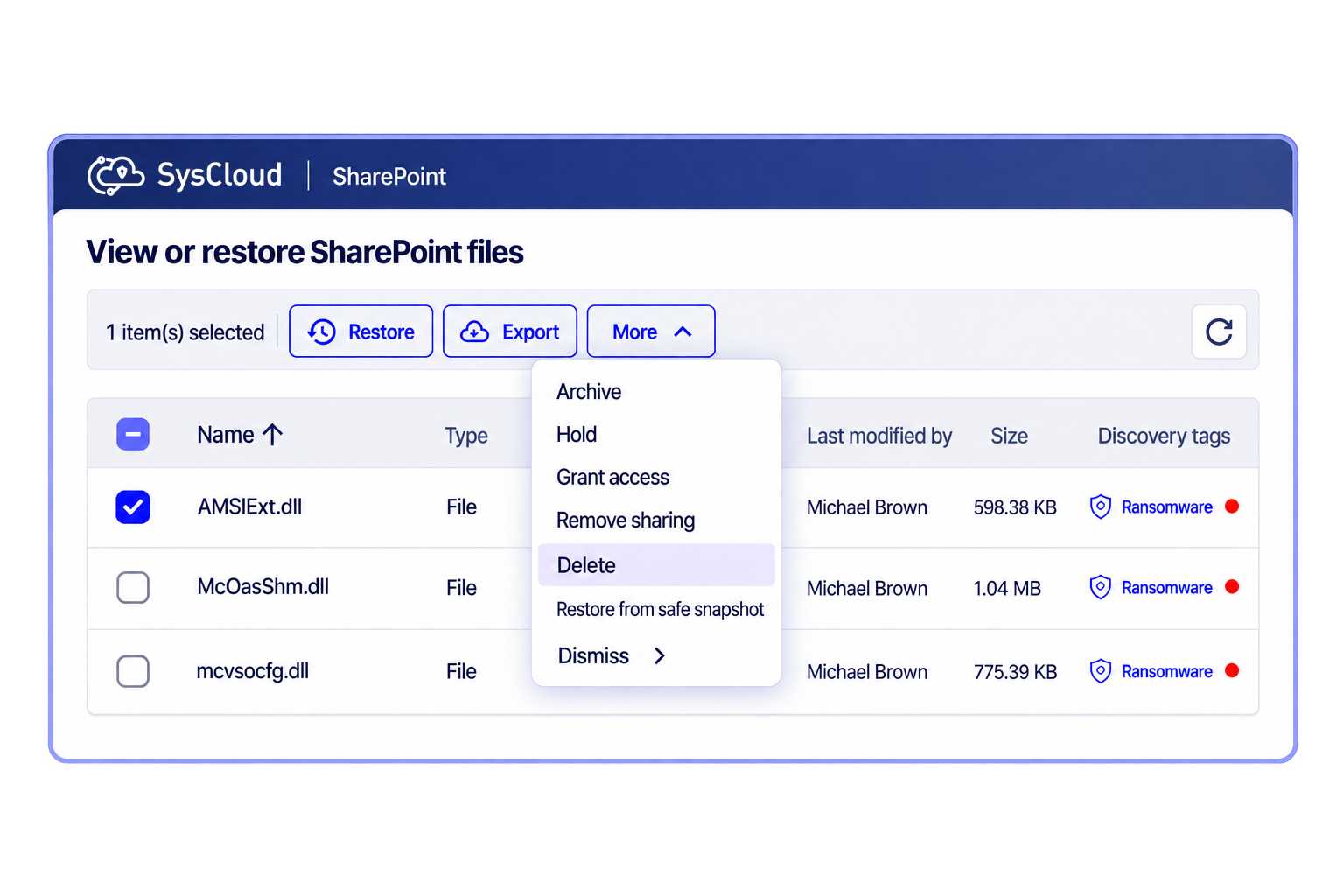
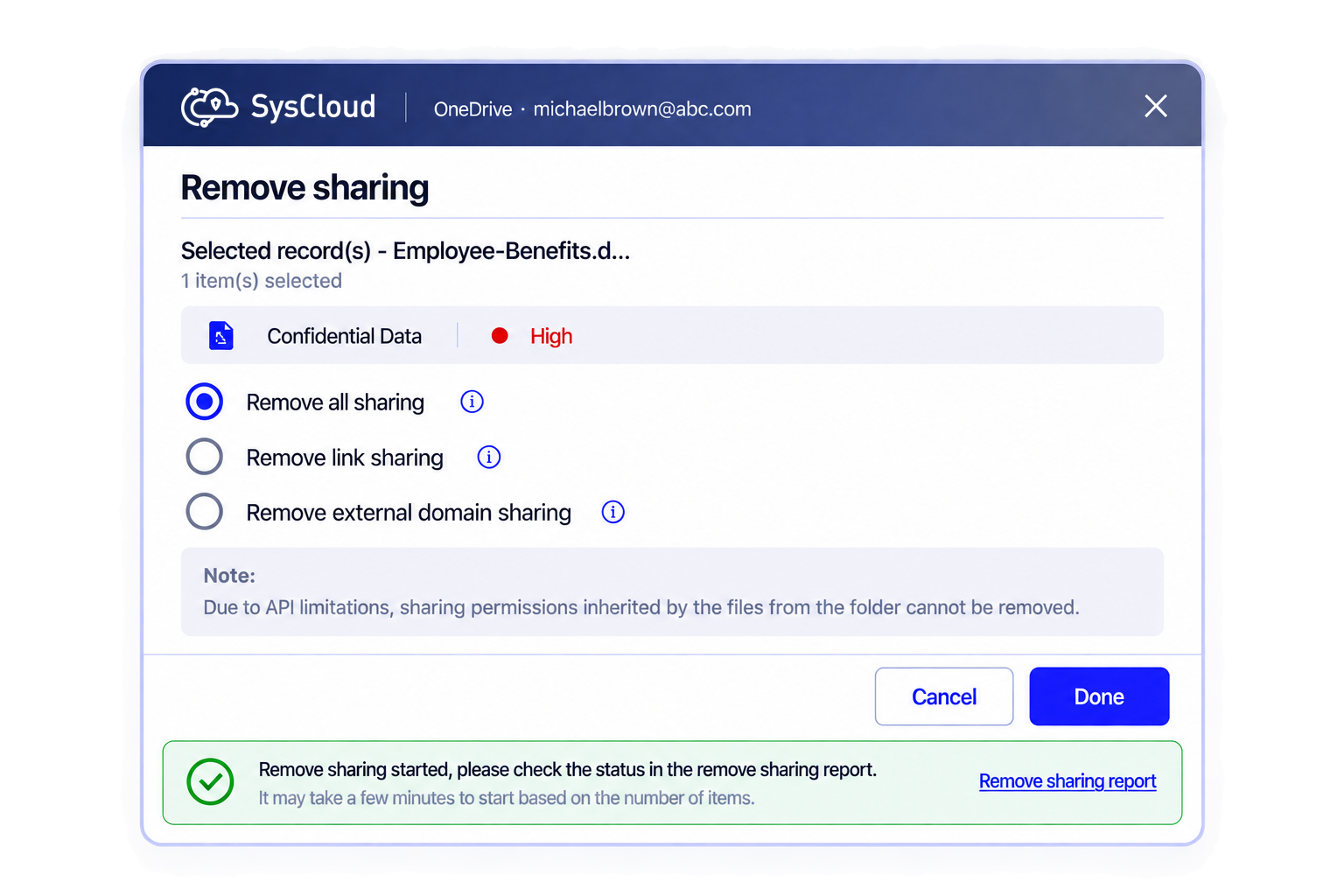
Detect ransomware attacks, encrypted files, and automate recovery.
Safeguard Microsoft 365 data by detecting encrypted or malicious files in backup snapshots and recovering safe versions to minimize downtime and ensure business continuity. Use recommended runbooks to automate remediation and quickly notify the right teams with Action Flows.
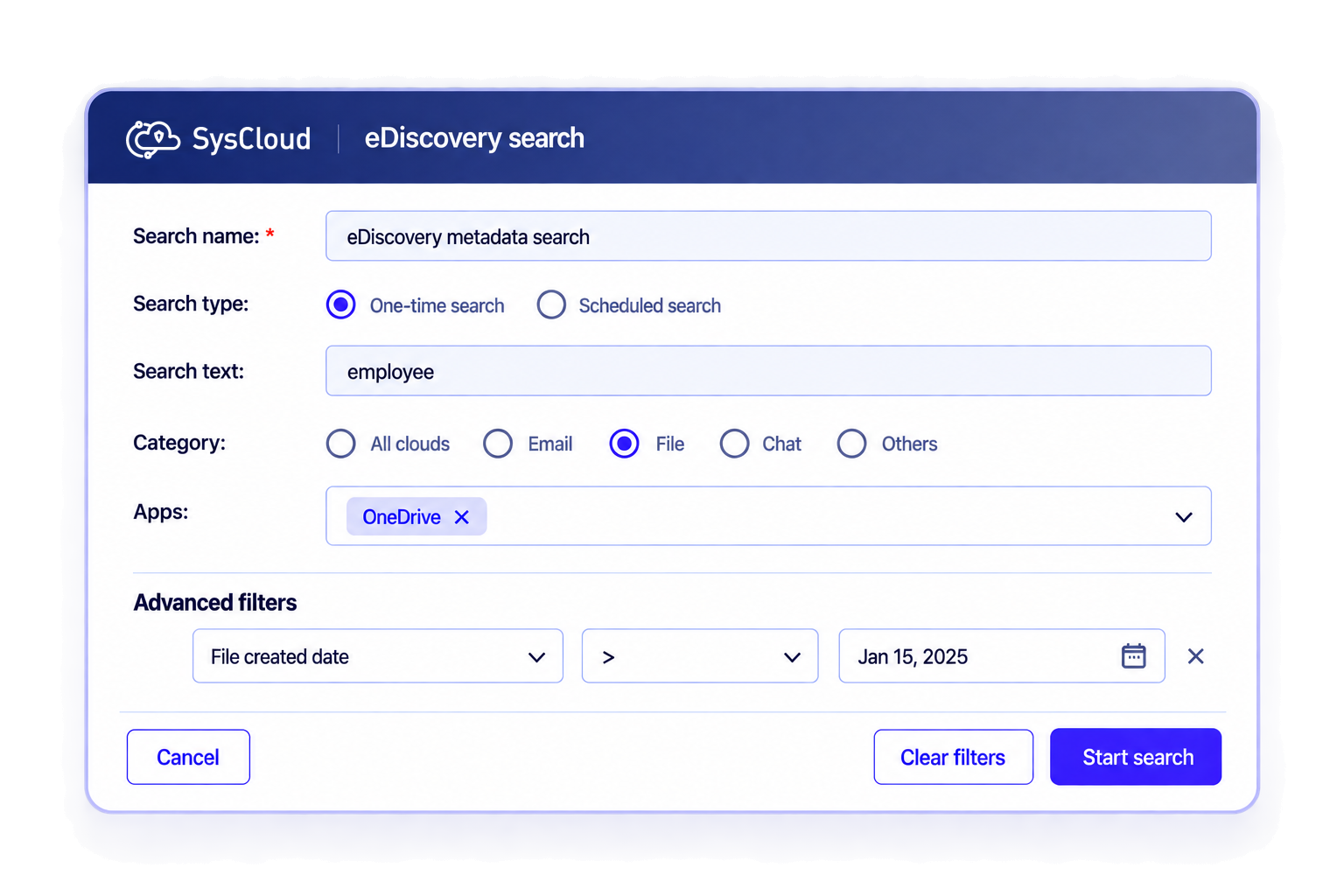
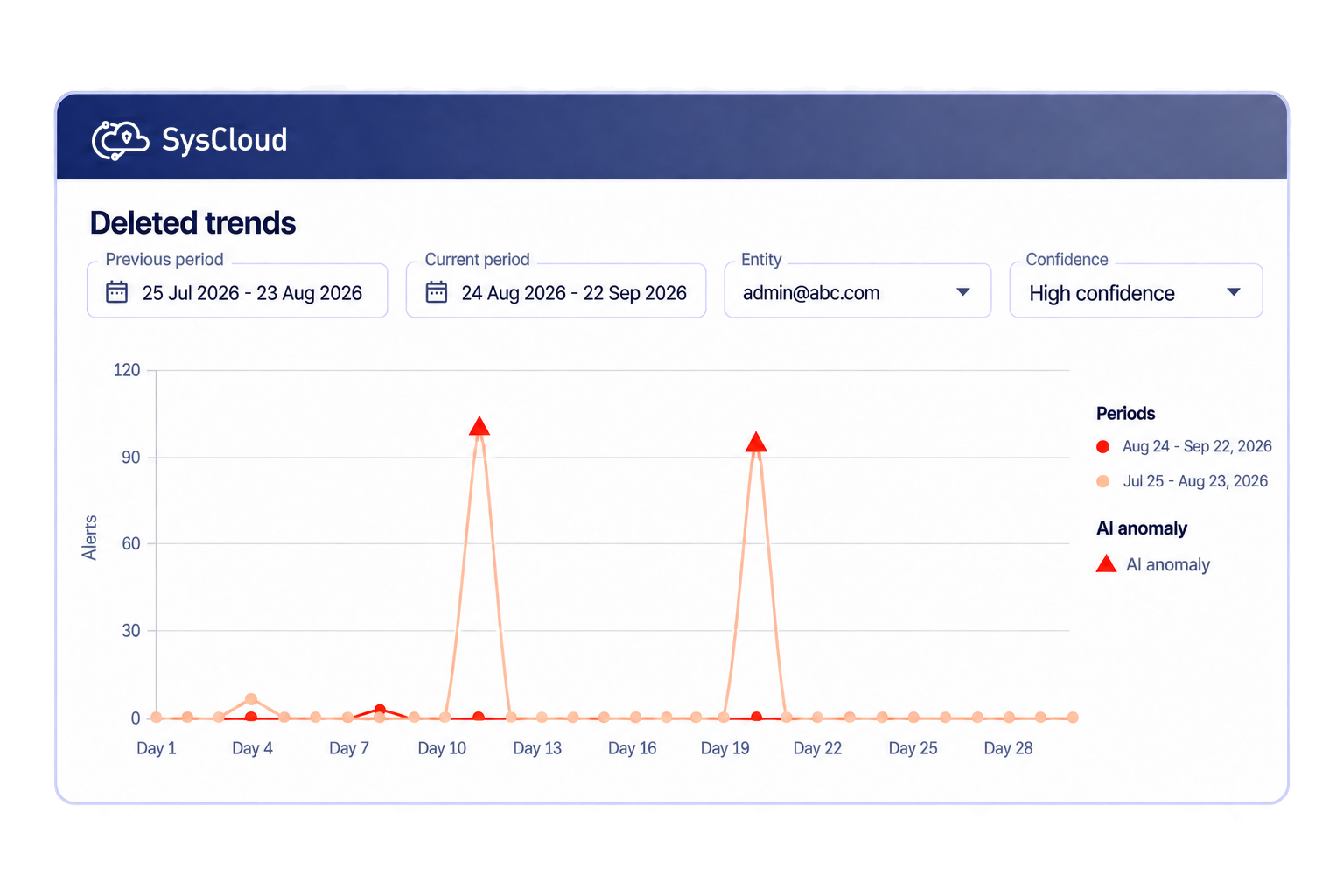
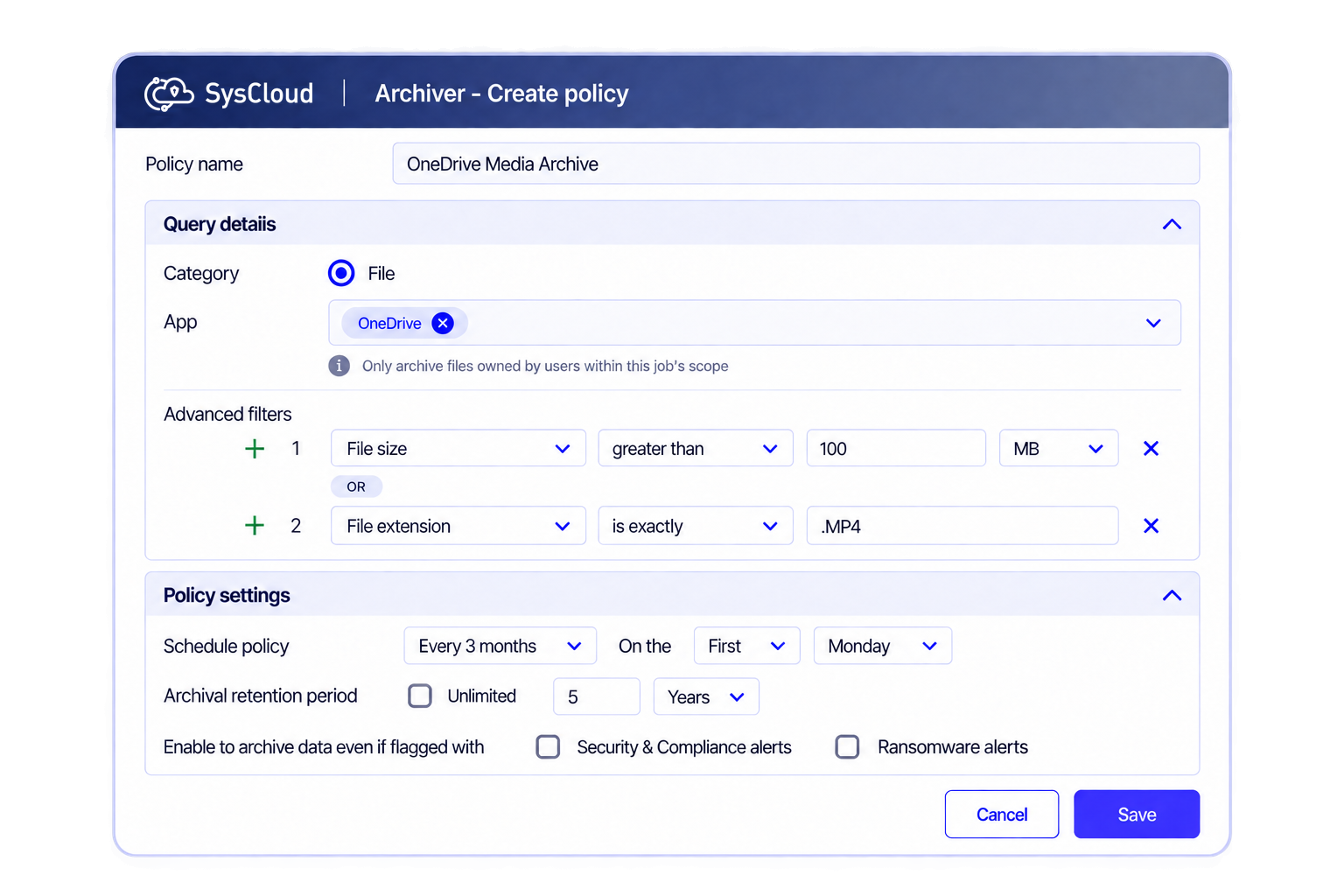
Designed for IT administrators
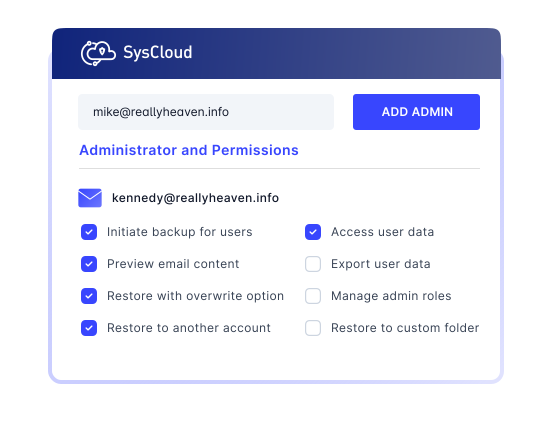
Add any additional admin roles
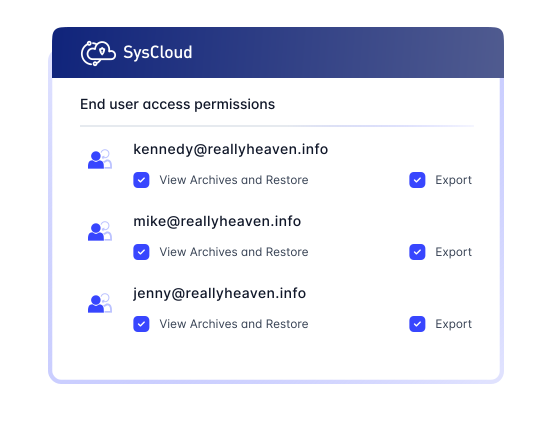
Add an unlimited number of admins, with granular access rights for each role. Every admin role you create can now use Sky, scoped to the permissions that role already has.


Explore backup for Microsoft 365 applications
Select an application to explore
Frequently asked questions
If you’re hesitating, do not worry, we are here to explain everything you might want to know. Let us help!
Is there a limit on storage for paid Microsoft 365 SysCloud subscription?
Your backup storage is uncapped, subject to our fair use policy. There is no fixed storage limit while your subscription is active, provided your usage stays reasonably proportionate to your number of licensed users. If your usage goes well beyond what a subscription of your size would normally involve, we may review it with you and discuss suitable adjustments, which may include additional licenses or revised terms.
Does SysCloud back up Outlook and OneDrive’s Recycle Bin?
Yes. During the free trial, you can back up SharePoint and Teams data. However, the trial supports backup for up to 10 SharePoint sites and 10 Teams sites, within the storage capacity available during your trial period. To know more about the backup functionality for the shared apps, please contact our support team.
What are my storage location options for SysCloud backup archives?
Does SysCloud back up Microsoft Entra ID?
Yes. SysCloud captures users, groups, administrative units, directory roles and assignments, conditional access policies, enterprise apps and app registrations, devices, external identities, and audit and sign-in logs, on the same schedule as your Microsoft 365 data. You can compare any two backup snapshots to see what changed, and restore to a known-good point in time. See the full object list on the Microsoft Entra ID backup page.
What can I ask Sky about my Microsoft 365 backups?
Is Microsoft Entra ID backup included in my Microsoft 365 subscription?
Microsoft Entra ID backup is licensed separately from your Microsoft 365 subscription. See our pricing page for details.
Is there a minimum license requirement to purchase a SysCloud subscription?
I am an existing customer with fewer than 100 licenses. Do I need to purchase additional licenses?
Have more questions? Read more FAQs
Have more questions? Read more FAQs

11 Million +
Users protected from data loss
51 Billion +
Emails backed up on our servers
35 Billion +
Files backed up

Related Resources
SysCloud vs. Microsoft 365 Native Retention
11 Apr 2025 | 8 min read | Anju George
Microsoft 365 native retention tools help organizations preserve data for compliance and policy-driven requirements across core services like SharePoint, OneDrive, Teams, and Outlook. However, as businesses store growing volumes of critical data in Microsoft 365, native retention alone may leave important recovery gaps, especially when organizations need automated backup, flexible restore options, and broader protection against data loss.
Learn more
Microsoft 365 Retention Policy and Retention Label: A Complete Guide
28 Mar 2025 | 6 min read | Anju George
Microsoft 365 retention policies and labels play an important role in helping organizations manage data lifecycle, compliance, and long-term information governance. But as businesses store increasing volumes of critical data across Microsoft 365, relying on retention alone can create a false sense of security, especially when these tools do not provide the backup, restore, and full recovery capabilities needed to protect against real-world data loss.
Learn more
A Guide to OneDrive for Business Data Retention
15 Apr 2025 | 6 min read
OneDrive for Business has become a core platform for storing and managing business-critical files across Microsoft 365 environments. As organizations depend more heavily on OneDrive for everyday collaboration and file access, the risk of data loss increases due to accidental deletion, limited native retention windows, compliance challenges, and gaps in built-in recovery capabilities.
Learn more