Track and Investigate SaaS Data Changes
Safeguard your SaaS applications from data loss or data corruption by monitoring changes and investigating AI-detected anomalies. Data Change Insights is available for Google Workspace, Microsoft 365, and QuickBooks Online.Contact sales
Why should you track SaaS data changes?

Why should you track SaaS data changes?
Track changes in your SaaS data
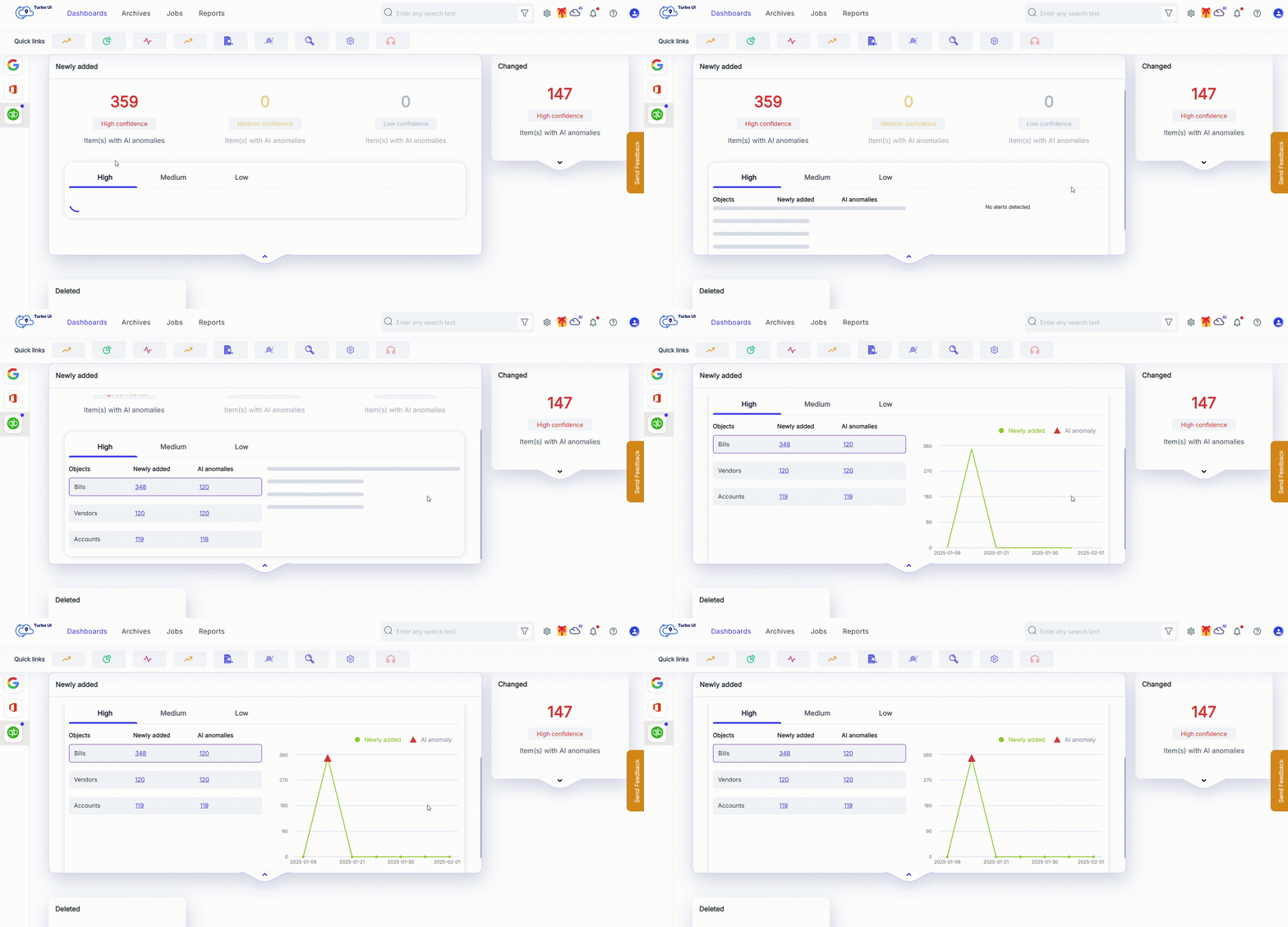
Detect anomalies in your SaaS data
Track changes in your SaaS data
Available for Google Workspace, Microsoft 365, and QuickBooks Online
Detect anomalies in your SaaS data
Available for Google Workspace, Microsoft 365 and QuickBooks Online
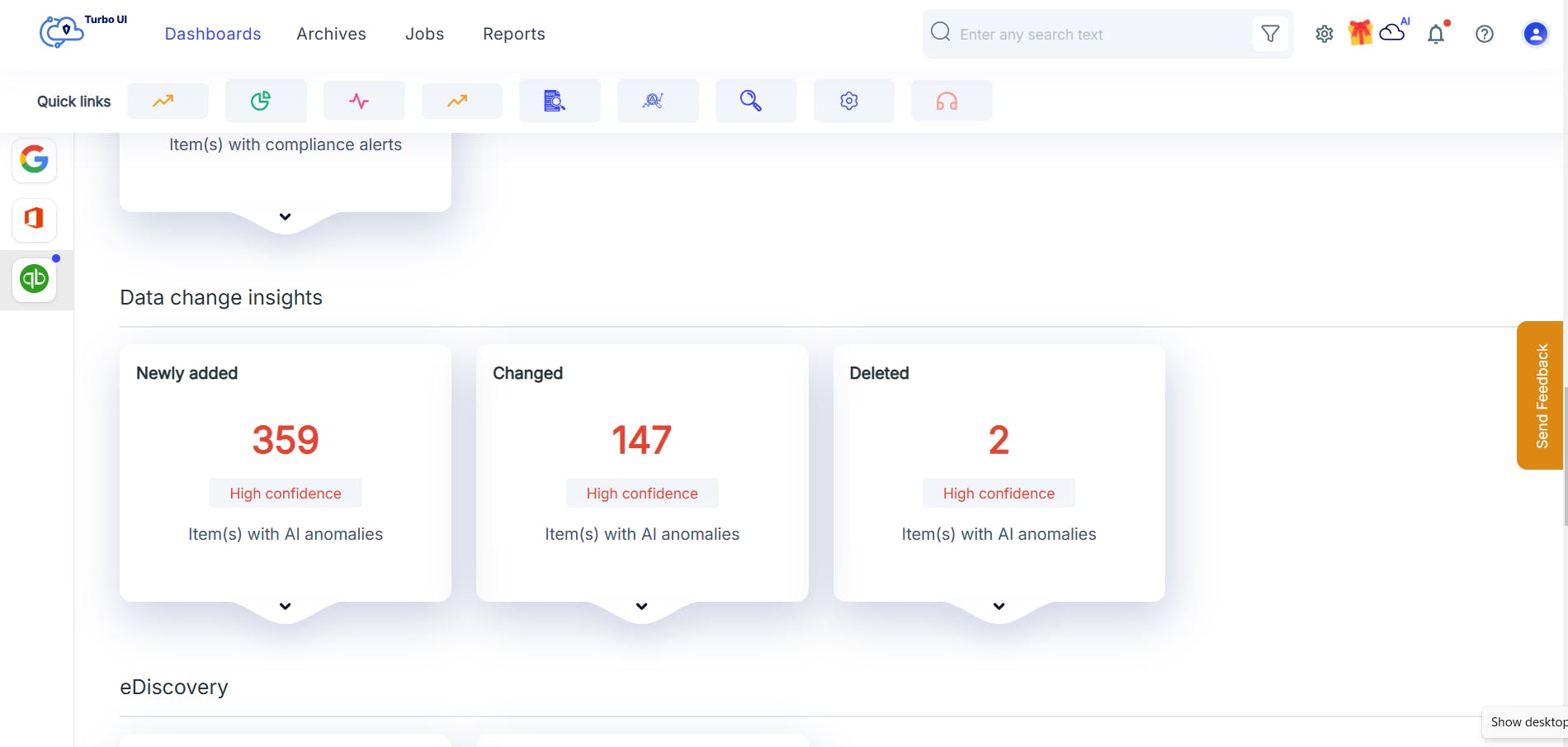
Monitor and track changes & AI-detected anomalies from a unified dashboard
Get immediate alerts on AI detected anomalies and data changes from a single pane of glass.

Frequently asked questions
If you’re hesitating, do not worry, we are here to explain everything you might want to know. Let us help!
What is Data Change Insights?
Data Change Insights is a SysCloud add-on that helps you monitor, track, and investigate SaaS data changes and AI-detected anomalies to support audits and reduce risk of data loss due to malicious insiders, integration errors and AI-generated changes in bulk. It is available as an add-on when you purchase SysCloud backup for Google Workspace, Microsoft 365, and QuickBooks Online.
What changes and anomalies does Data Change Insights detect?
SysCloud tracks newly added, changed, and deleted items. It also flags unusual activity such as excessive deletions, unexpected spikes in changes, and unusual record-level updates for investigation.
How does Data Change Insights detect data anomalies?
It uses AI-powered anomaly detection algorithms to flag unusual data changes, such as excessive deletions or unexpected record modifications.
How does this add-on help with compliance?
Data Change Insights creates an auditable trail of SaaS data changes and lets you export change sets for evidence and review. This helps support requirements of compliance regulations such as SOX and HIPAA and speeds up audits and investigations.
How often are changes detected and how will I be notified?
Changes are detected every time a backup job is run, typically, once a day. Notifications via email can be configured based on the roles responsible for tracking data changes.
What can I do when SysCloud flags an anomaly?
You can review the alert details, export flagged anomalies for review or record-keeping, mark findings as true positive or false positive, and dismiss alerts after investigation.
Can I automate responses when anomalies are detected?
Yes. You can configure Action Flows to automate response steps such as exporting flagged change sets and notifying the right stakeholders. For investigation and response guidance, use SysCloud’s recommended runbooks in the Help Center.
Do I need to upload audit logs for QuickBooks Online?
Audit logs are recommended to improve detection accuracy and reduce false positives. You can use Data Change Insights without audit logs, but results may be less precise.
Can I customize Data Change Insights policies?
No. Data Change Insights policies are not currently customizable. SysCloud provides default settings designed to detect and report changes and anomalies without additional configuration.
How do I get started with Data Change Insights?
Contact SysCloud sales to purchase Data Change Insights and confirm current free trial options.
Does this add-on provide real-time alerts?
SysCloud provides daily scan reports via email, highlighting anomalies detected within the day.
How does this help in preventing data loss?
By identifying irregularities early, such as unauthorized deletions or modifications, it enables proactive actions to prevent potential data loss events.
Why is monitoring SaaS data changes important?
SaaS applications often contain critical business data. Monitoring changes ensures data integrity, helps prevent data loss, and ensures compliance with regulations like SOX and HIPAA.
Is there a free trial available for Data Change Insights?
Please contact our sales team to check for any available free trial offers.
Do I need technical expertise to configure the add-on?
No. Setup is designed to be straightforward. If you use QuickBooks Online, you may need admin access to export audit logs as part of the setup.


Explore more Add-Ons!
We take security and compliance seriously