Automated Exchange Online Backup With Unlimited Retention

Eliminate native data retention limitations with Exchange Online

Eliminate native data retention limitations with Exchange Online
Exchange Online backup features
Make smarter backups
Automate Exchange Online backups for mail, contacts, and calendar with comprehensive backup settings. Let SysCloud handle API errors and give you complete visibility on backup.
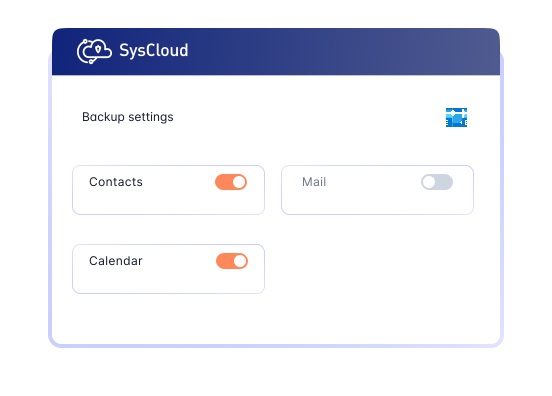
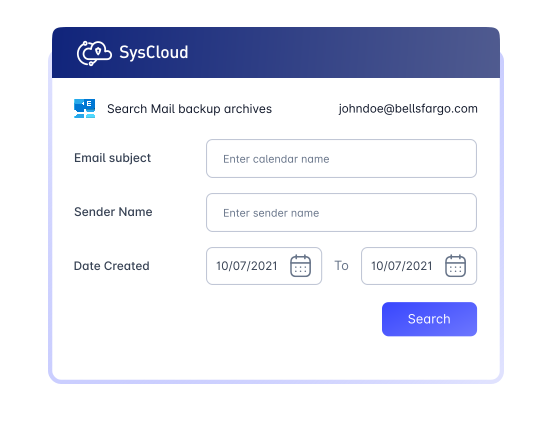
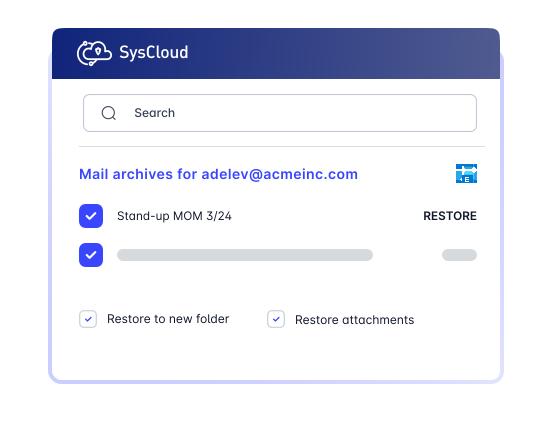
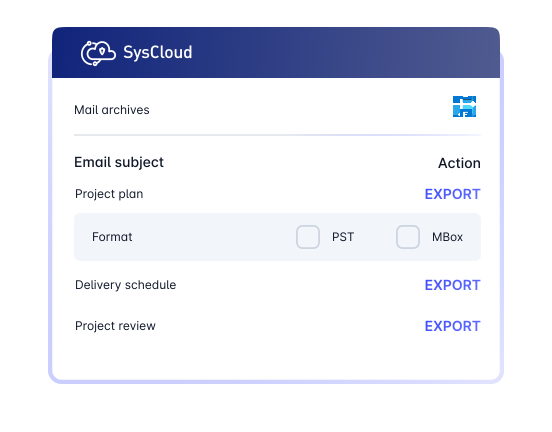
Enhance Exchange Online backups with advanced visibility and protection
Add on
Detect ransomware attacks, encrypted files, and automate recovery
Safeguard Exchange Online by detecting encrypted or malicious files in backup snapshots and restoring safe versions to minimize downtime and ensure business continuity. Use recommended runbooks to automate remediation and quicky notify the right teams with Action Flows.


Don’t stop with Exchange Online. Backup everything!
SysCloud Exchange Online backup also includes backup for all critical Microsoft 365 apps.


Related Resources
Retention Policy vs. Litigation Hold vs. Archiving in Exchange Online
11 Apr 2025 | 8 min read | Ragavarshini
Exchange Online retention policies, litigation holds, and archiving features help organizations manage data preservation, compliance, and mailbox storage across Microsoft 365. However, as businesses depend more heavily on Exchange Online for critical communication data, it becomes increasingly important to understand the differences, limitations, and recovery gaps between these native capabilities.
Learn more
Admin's Guide To Exchange Online Retention Policies, MRM & Holds
16 Apr 2025 | 20 min read | Ragavarshini
Exchange Online has become a critical part of business communication, with organizations relying on it to manage and store email, calendar, and other collaboration data across Microsoft 365. As dependence on Exchange Online continues to grow, so does the risk of data loss caused by accidental deletion, limited native retention windows, compliance requirements, and gaps in built-in recovery capabilities.
Learn more