Google Workspace Backup with Automated Protection and Point-in-Time Recovery


Gmail

Google Drive
Shared Drive

Google Sites

Google Classroom

Google Calendar

Google Contacts
Google Forms
Gmail
Google Drive
Shared Drive
Google Sites
Google Classroom
Google Calendar
Google Contacts
Google Forms
Gmail
Google Drive
Shared Drive
Google Sites
Google Classroom
Google Calendar
Google Contacts
Google Forms
 Gmail
Gmail Google DriveGoogle SitesGoogle ClassroomGoogle ContactsGoogle Calendar
What are the limitations of native data retention in Google Workspace?
Google offers basic tools to retain and restore data, but they’re limited.

What are the limitations of native data retention in Google Workspace?
Google offers basic tools to retain and restore data, but they’re limited.

SysCloud vs. Other Google Workspace Backup Vendors: Which One to Choose?
Check out our comprehensive guide comparing all the Google Workspace cloud backup vendors in 2025.
Why choose SysCloud for Google Workspace backup
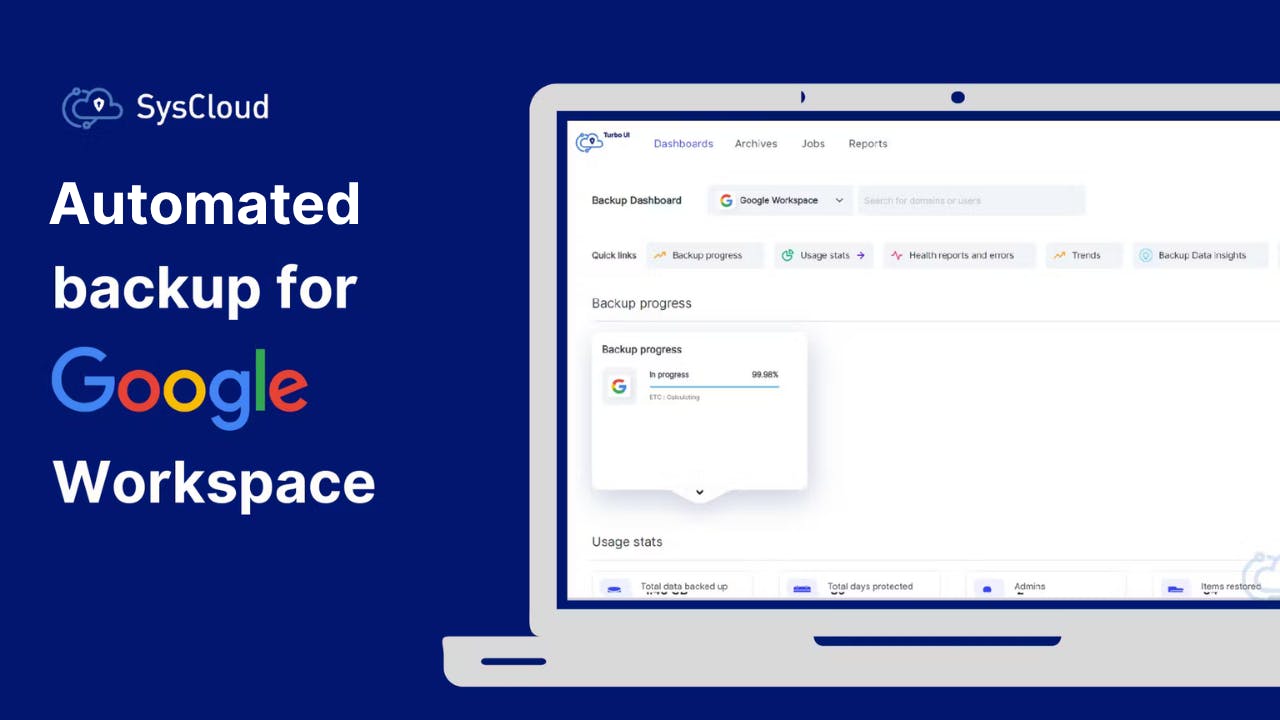
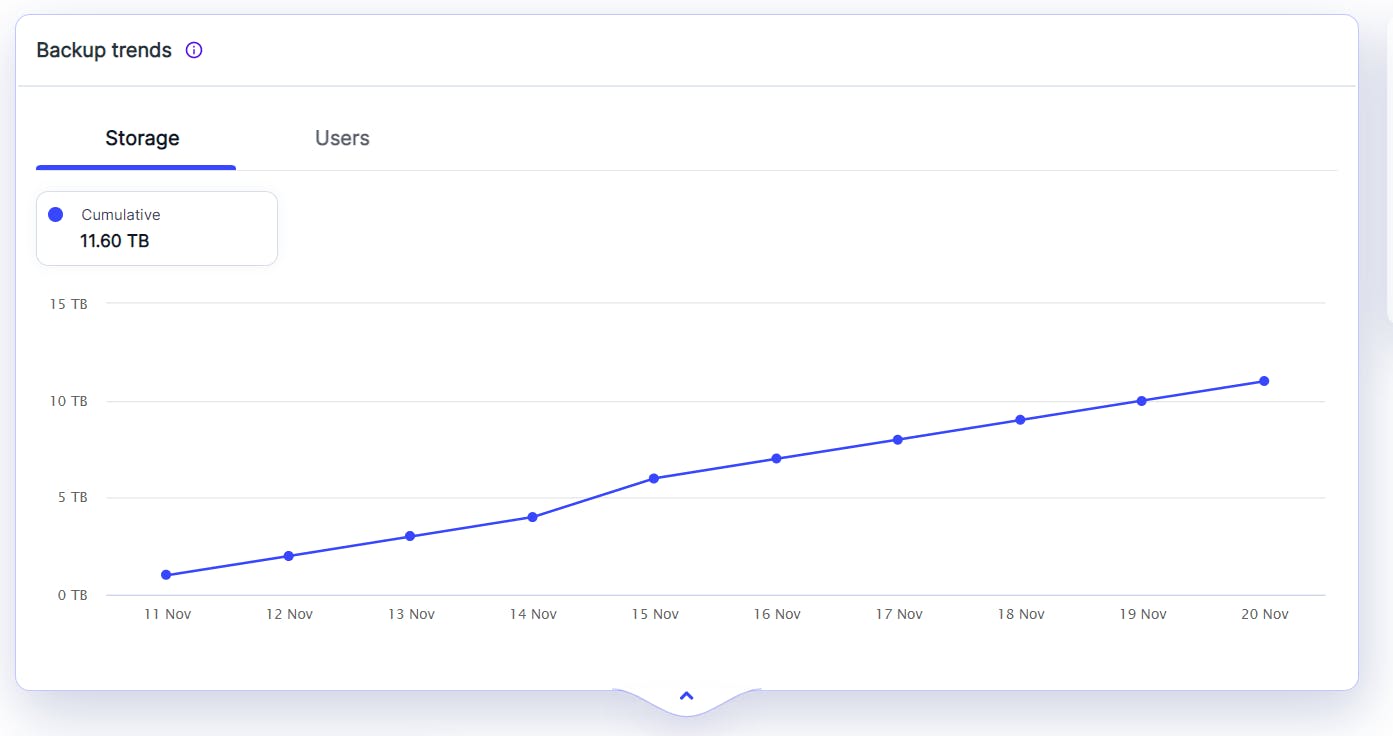
Instant Backup Visibility
Get instant backup visibility from an intuitive dashboard, with clear status, backup health insights, and fast drill-down to any user or app.
Our customers love what we do
Our customers love what we do
What Google Workspace apps does SysCloud backup?
Read our in-depth guide on how SysCloud addresses the data retention and restoration gaps for all critical Google Workspace apps.

Enhance Google Workspace backups with advanced visibility and protection
Add-on
Detect ransomware attacks, encrypted files and automate recovery.
Safeguard Google Workspace data by detecting encrypted or malicious files in backup snapshots and recovering safe versions to minimize downtime and ensure business continuity. Use recommended runbooks to automate remediation and quicky notify the right teams with Action Flows.
Add-on
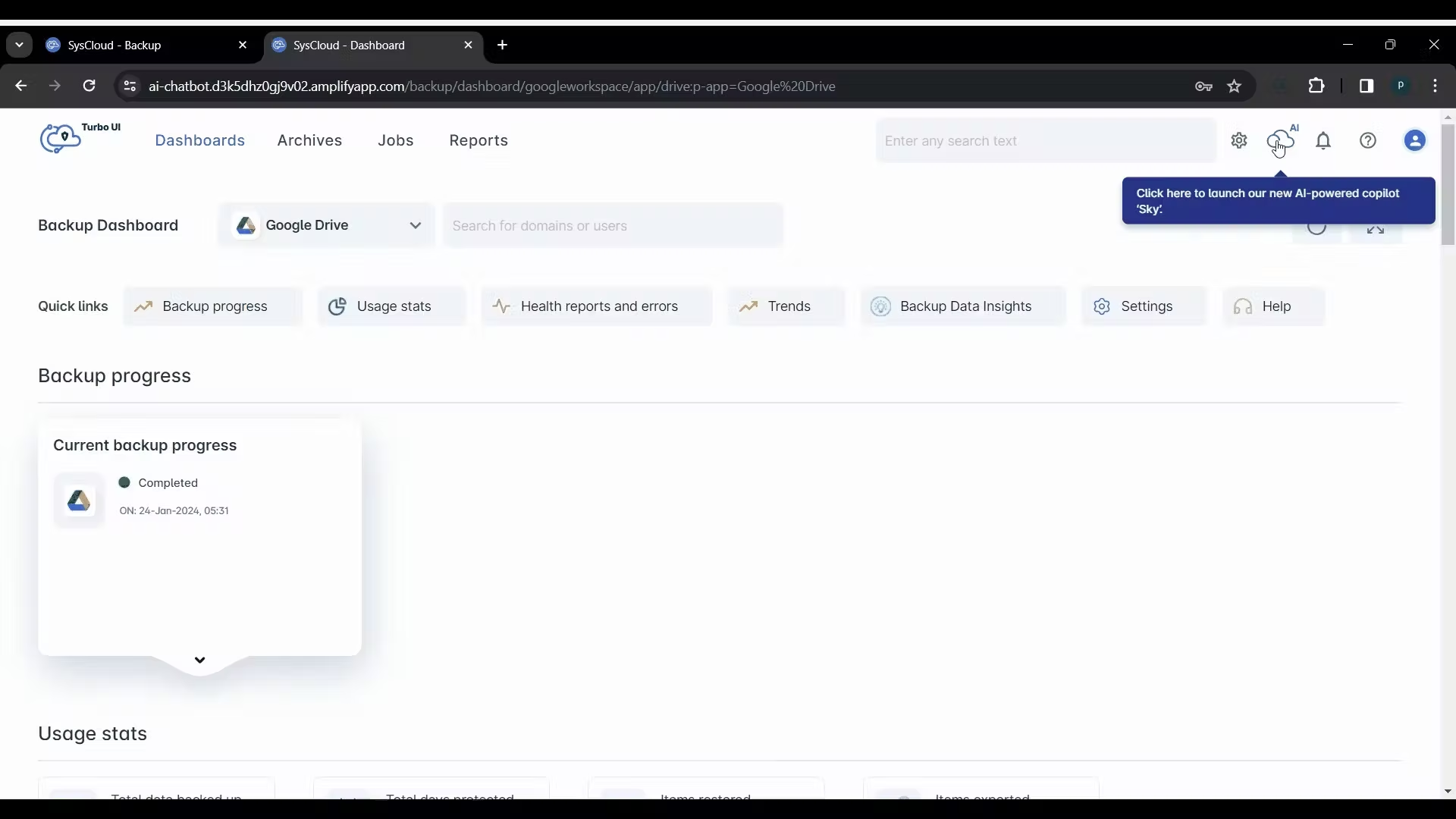
Sky: Your AI copilot for backup management
Manage backups, locate data, and perform actions on archived data—all from a single chat interface.
Designed for IT administrators
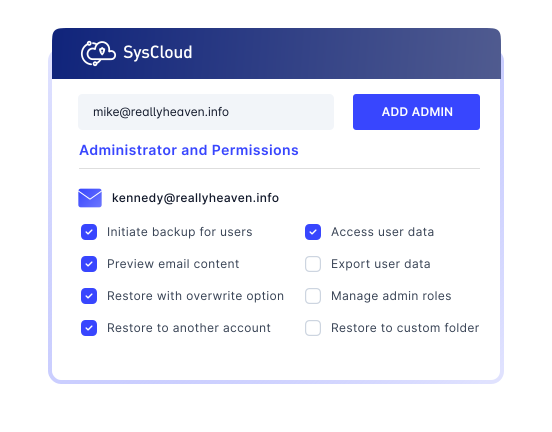
Add any additional admin roles
Add an unlimited number of admins - with granular access rights for each role.


Explore backup for Google Workspace applications
Select an application to explore
Frequently asked questions
If you’re hesitating, do not worry, we are here to explain everything you might want to know. Let us help!
Is there a limit on storage for paid Google Workspace SysCloud subscription?
Yes, the storage limit for a paid Google Workspace SysCloud subscription is 75 GB per license. For customers with more than 100 licenses, SysCloud offers unlimited storage, subject to the Fair Usage Policy.
Does SysCloud back up Gmail and Google Drive’s Trash folder?
Yes. During the free trial, you can back up Shared Drive and Google Classroom data. However, the trial supports backup for up to 10 Shared Drives and 10 Classrooms, within the storage capacity available during your trial period. To know more about the backup functionality for the shared apps, please contact our support team.
What are my storage location options for SysCloud backup archives?
Have more questions? Read more FAQs
Have more questions? Read more FAQs

11 Million +
Users protected from data loss
51 Billion +
Emails backed up on our servers
35 Billion +
Files backed up

Related Resources
Google Vault eDiscovery vs. Retention Rule vs. SysCloud’s Backup for Google Workspace
11 Apr 2025 | 5 min read | Gopika
eDiscovery holds and retention rules in Google Vault help organizations preserve important data across supported Google Workspace services for compliance and legal needs. However, these capabilities are not a substitute for the backup, restore, and comprehensive data recovery features offered by a dedicated third-party backup solution like SysCloud.
Learn more
How to Delete a User from Google Workspace Without Data Loss
18 Apr 2025 | 12 min read | Swati
Google Workspace user accounts often contain business-critical emails, files, calendars, and shared data that organizations cannot afford to lose during employee offboarding. As teams scale and user turnover becomes more frequent, the risk of accidental data loss increases if accounts are deleted without a proper plan for data transfer, retention, and backup.
Learn more
How to Recover Deleted Files from Google Shared Drive
16 Apr 2025 | 6 min read | Anju George
Google Shared Drives have become a critical part of team collaboration, helping organizations store, manage, and share business-critical files at scale. As adoption of Shared Drives continues to grow, so does the risk of accidental or permanent data loss caused by user errors, deletion, retention limitations, and administrative changes.
Learn more