QuickBooks Online Backup - Simplified Data Protection for All!
Get automatic cloud backup for QuickBooks Online Simple Start, Essential, Plus, and Advanced plans. Recover from accidental errors, identify accounting frauds, and get a simplified backup for a range of transactions and lists including associated attachments. Designed for SMBs and accounting firms.
Without SysCloudWith SysCloud
 QuickBooks Online Simple Start
 QuickBooks Online EssentialQuickBooks Online Plus
0
Transactions once deleted cannot be restored

What are the limitations of QuickBooks Online native data retention?

What are the limitations of QuickBooks Online native data retention?
A single data loss event can damage your CPA firm’s reputation. Secure your clients’ trust with reliable backups.

Why choose SysCloud for QuickBooks Online backup?
Why choose SysCloud for QuickBooks Online backup?
What QuickBooks Online data does SysCloud backup?
Data recovery for a single QuickBooks Online company can cost you $76,000! Find out more.
Discover a better way to backup QuickBooks Online
SysCloud simplifies QuickBooks Online data protection for CPAs as well as businesses.
Make smarter backups
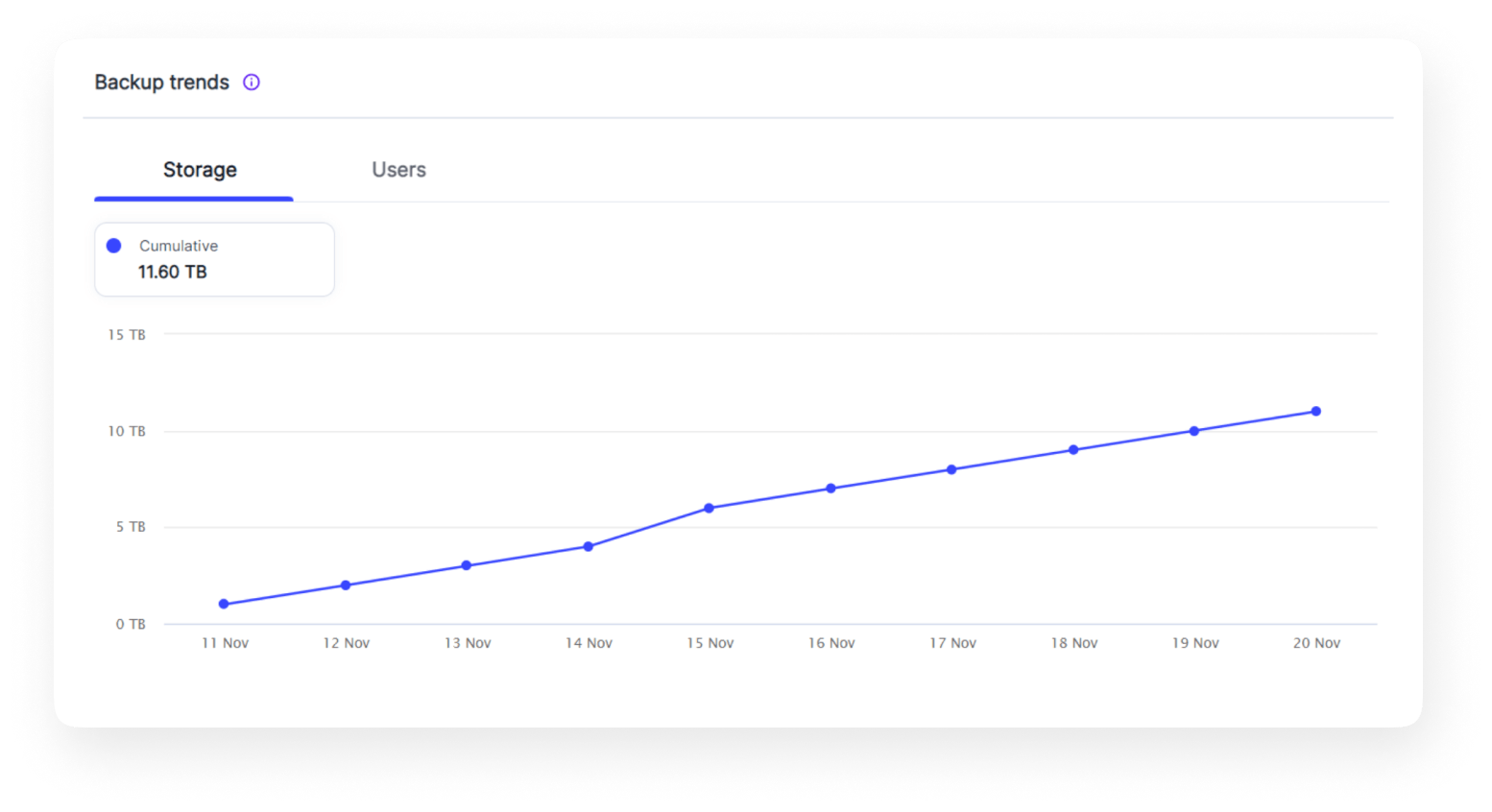
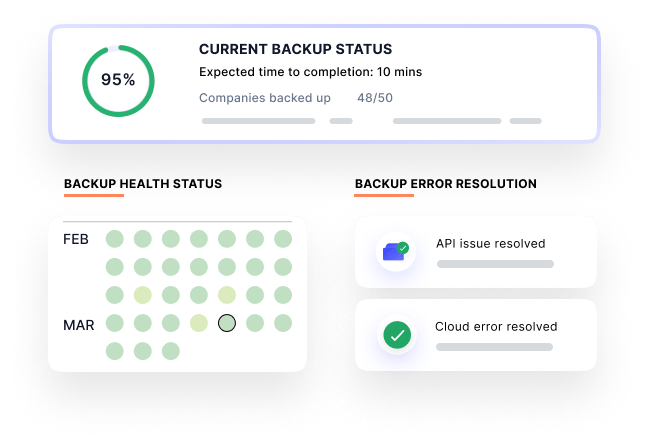
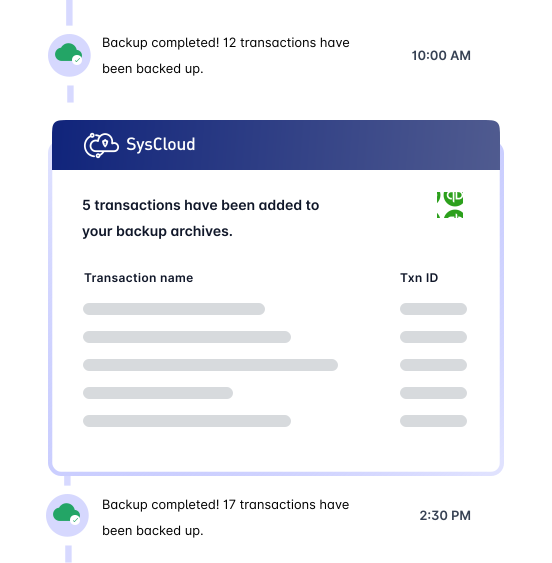
Automate QuickBooks Online backups. Let SysCloud handle all API errors and give you complete visibility on your backups.
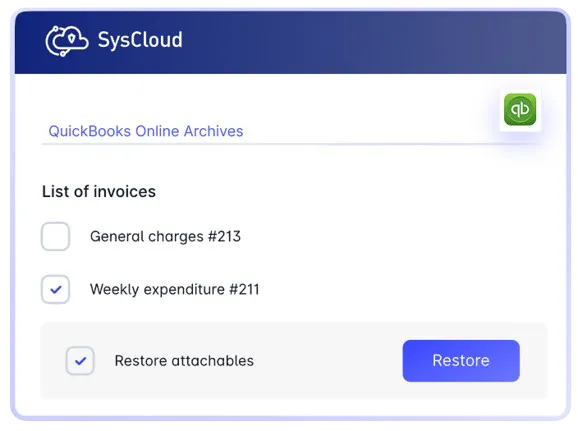
Proactively protect and govern your QuickBooks Online backup data
Gain advanced protection, compliance readiness, and actionable insights for your backed-up data with SysCloud add-ons.
Add-on
Scan Data for Violations and stay audit ready
Security & Compliance for QuickBooks Online scans transactions, invoices, and attachments using predefined policies such as PCI and Confidential Data, along with custom rules built using keywords and regex. It alerts stakeholders and admins to potential violations and ensures regulatory compliance.
Locate data instantly
Instantly access any QuickBooks Online archives or dashboards.
Read our in-depth guide on how SysCloud addresses the data retention and restoration gaps for QuickBooks Online.
Frequently asked questions
If you’re hesitating, do not worry, we are here to explain everything you might want to know. Let us help!
Can SysCloud backup all QuickBooks Online subscription plans?
Yes, SysCloud can back up all QuickBooks Online subscription plans - Simple Start, Essential, Plus, and Advanced.
Is there a limit to the number of QuickBooks Online companies that SysCloud can back up?
No. You can back up any number of QuickBooks Online companies.
Is the pricing of QuickBooks Online backup based on the number of users?
No. QuickBooks Online backup is priced based on the number of QuickBooks Online companies backed up.
Click here to learn more about QuickBooks Online backup pricing plans.
What are my storage location options for SysCloud backup archives?
SysCloud backup archives can be securely stored in AWS cloud storage locations across the United States, United Kingdom, Canada, Australia, or Singapore.
Have more questions? Read more FAQs
Have more questions? Read more FAQs


Don't stop with QuickBooks Online. Backup all your SaaS apps!
Select a cloud to explore