Automated Teams Backup with Unlimited Retention

Eliminate data retention complexities with Microsoft Teams

Eliminate data retention complexities with Microsoft Teams

Did you know?
Depending on the data type, Microsoft Teams data are stored across multiple Microsoft 365 services. Find out how Microsoft Teams data can be safely retained.
Microsoft Teams backup features
Make smarter backups
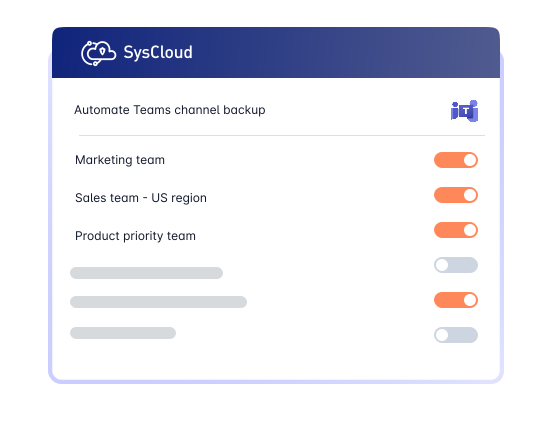
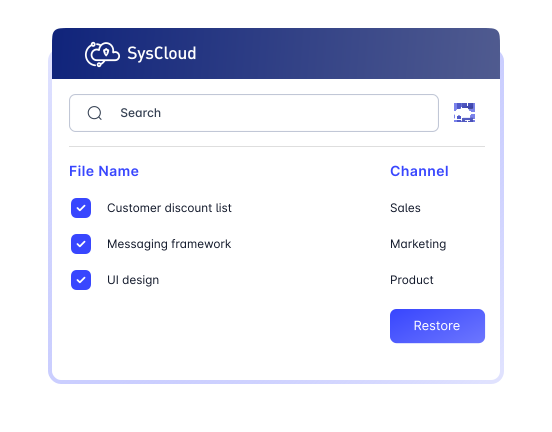
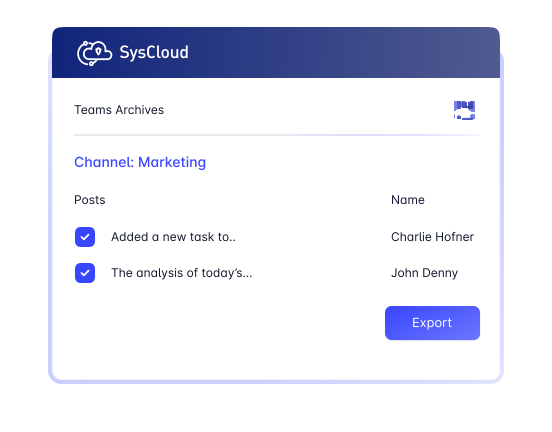
Automate backups for Teams sites, channels, conversations, and files from other Microsoft 365 apps connected to channels.
Enhance Teams backups with advanced visibility and protection
Add-on
Detect ransomware attacks, encrypted files and automate recovery.
Safeguard Teams data by detecting encrypted or malicious files in backup snapshots and recovering safe versions to minimize downtime and ensure business continuity. Use recommended runbooks to automate remediation and quickly notify the right teams with Action Flows.


Don’t stop with Microsoft Teams. Backup everything!
SysCloud Microsoft Teams backup also includes backup for all critical Microsoft 365 apps.


Related Resources
Top Four Ways to Back up Teams Data
16 Apr 2025 | 5 min read | Anju George
Microsoft Teams has become a critical collaboration platform for modern businesses, helping teams communicate, share files, and manage work across Microsoft 365. As organizations rely more heavily on Teams for business-critical conversations and content, the risk of data loss increases due to accidental deletion, limited native retention options, and gaps in built-in backup and recovery capabilities.
Learn more
How to Place Microsoft Teams Data on Legal Hold
11 Apr 2025 | 3 min read | Anju George
As legal and compliance requirements become more important, organizations need to understand how to place Microsoft Teams data on legal hold, what content can be preserved, and where native capabilities may still have limitations.
Learn more
How to Export Microsoft Teams Data
10 Apr 2025 | 6 min read | Ahana
Microsoft Teams holds a growing volume of business-critical conversations, files, and collaboration data that organizations may need to extract for compliance, migration, or operational reasons. As Teams data becomes more central to daily work, understanding the available export methods and the limitations of native options becomes essential for stronger data management and recovery planning.
Learn more